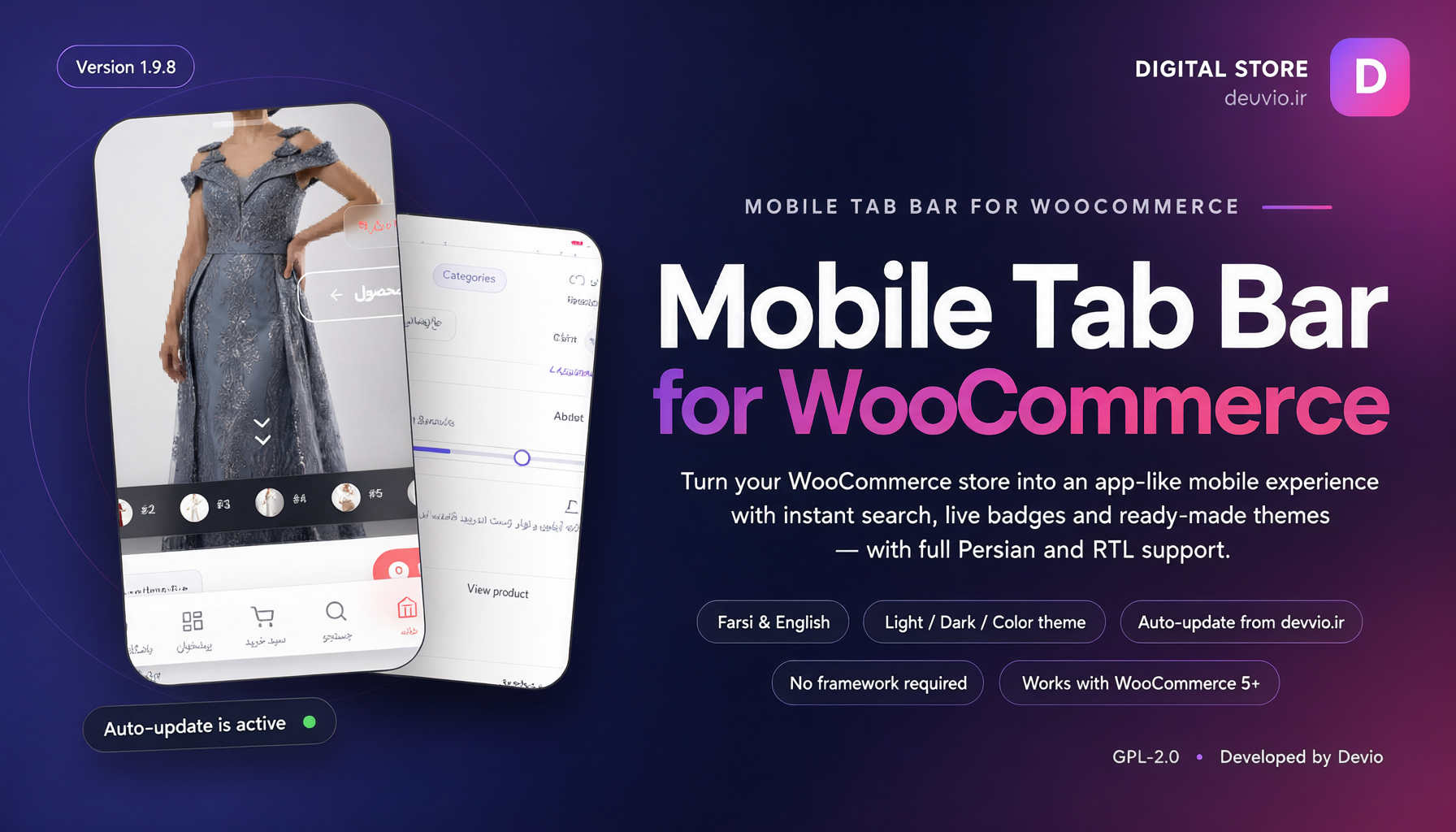
Devvio Mobile Suite
Devvio Mobile Suite 2.1.0 — a standalone WooCommerce plugin that turns your store's mobile experience into an app-like journey: bottom tab bar, slide-up mega menu, instant search, cart drawer, hero slider, smart filters, desktop shop bar and a complete store-page theme. It is built for stores that want a fast, tactile and professional mobile shopping experience without a native app. Every capability ships inside this plugin: no companion plugin is required, and no external font, icon CDN or heavy framework is added to your site. Three standalone editions, zero dead code Each edition is a complete standalone plugin. A package contains only the code for its own edition, while higher-edition capabilities appear as locked upgrade cards in the admin panel, so you know exactly what each upgrade adds without any unused code running in the background. Capability Free Pro Ultimate Bottom tab bar and slide-up mega menu ✓ ✓ ✓ Instant search and cart drawer ✓ ✓ ✓ Live cart, new-product and account badges ✓ ✓ ✓ Colour themes, Persian/RTL and mobile performance ✓ ✓ ✓ Hero slider with 28 templates — ✓ ✓ Smart AJAX product filters — ✓ ✓ Desktop shop bar with mega menu — — ✓ Complete store-page theme — — ✓ Automatic updates Always 12 months 12 months License MIT Commercial Commercial Price Free $3.80 $5.20 Capabilities in every edition Bottom tab bar 8 built-in tabs: menu, home, search, cart, account, shop, store manager and filters, plus unlimited custom tabs. 5 actions per tab: open a page, slide-up menu, cart drawer, search overlay and filter drawer. Show each tab to everyone, logged-in customers, guests or store managers only. Drag-to-reorder, custom labels and icons, per-tab badges and horizontal scrolling on overflow. Mobile/tablet or all-device targeting, a configurable breakpoint, iPhone safe-area support and Android gesture-bar handling. Slide-up mega menu Pick any theme menu location, with 1 to 4 sub-menu levels. Categories: automatic (by product count), selected only, or all except selected. Grid (chips) or collapsible tree display, ordered by count, name, menu order or manual drag order. Hide empty categories, show product counts, live category filter and auto-expand the current category. “See all categories” loads the rest inside the same menu via AJAX. Account block, store-manager shortcuts, theme switcher and custom links. Cart drawer Open the cart from the bottom without leaving the current page. Quantity steppers, item removal and cart totals inside the drawer. Free-shipping progress bar and a sticky checkout button. Optional floating cart chip on mobile showing item count or cart total. Instant search Full-screen overlay with live results while typing. Configurable minimum characters, maximum results and debounce time. Recent searches stored locally in the browser — never sent to your server. Graceful empty state and a direct link to the full results page. Live badges Cart: item count or cart total, a 99+ cap and instant updates from WooCommerce AJAX events. New products: look-back window, count cap, reset on home visit or tap, excluded categories. Account activity: new or updated orders, unread messages and review replies. Background polling that pauses automatically when the browser tab is hidden. Appearance, motion and touch 4 colour modes: auto (follows the OS), light, dark and colourful. 4 surface styles: frosted glass, solid, gradient and minimal; 5 active-indicator styles. Bar height, corner radius, icon and label sizes; Vazirmatn or IRANSans fonts; custom CSS. 4 tap animations, haptic feedback, hide-on-scroll, Android pinning and staying above the keyboard. Pull-to-refresh, page transitions and full RTL support. Compatibility and performance Smart hiding of the theme's mobile menu button for Astra, GeneratePress, Kadence, Blocksy, OceanWP, Hello/Elementor, Bricks, Beaver Builder and block themes. Automatic bottom-collision guard for chat bubbles, back-to-top buttons, cookie banners and promo bars. No external fonts, icon CDNs or frameworks; roughly 9 KB CSS and 12 KB JS (about 4 + 5 KB gzipped). Deferred JavaScript, initialisation after first paint, optional inline assets, cached counters and WordPress emoji cleanup. Pro — hero slider and smart filters Hero slider Specification Details Ready-made templates 28 professional templates, from classic and minimal to bento, neon, cinema and collage Collage layouts 13 layouts: Justified, Fit Rows, Rows, Columns, Masonry, Grid, Split, Mosaic, Bento, Diagonal, Overlap and Fan Collage effects 11 entrance and ambient effects: Pop, Slide, Flip, Blur, Ken Burns, Shine, Scatter, Frame, Glow and Cascade Content source Product-driven slides using gallery images, or fully custom slides Unlimited sliders Slider library with [wmtb_hero] and [wmtb_hero id="summer"] shortcodes Image control Horizontal and vertical focal point, Cover/Contain/Percent fit and a minimum visible-image percentage Per-device settings Layout, height, content alignment, text and button sizes configured separately for desktop, tablet and mobile Layout quality Dead-space removal above and below the hero, measured, applied and re-verified; automatically rolled back if it cannot truly close the gap Smart product filters Capability What it does Automatic theme detection Replaces the native filter and sort bar of OceanWP, Astra, WoodMart, Flatsome, Kadence, Blocksy, Storefront and default WordPress themes AJAX filtering Updates the product grid, pagination and URL without reloading the page Filter facets Keyword search, categories, attributes (colour/size/brand swatches), dual-thumb price range, stock, on-sale and rating Sorting Newest, price, popularity and rating Shareable URL Filter state is stored in the page URL and can be shared or restored Active-filter chips Shows every active filter with one-tap removal Mobile experience Floating filter button, accordion sections and collapsible quick-filter pills Shortcode Place the filter UI anywhere with [wmtb_filters] Ultimate — the complete store experience Desktop shop bar Capability What it does Sticky bar A top bar with configurable content width that reserves its own space on the page Column mega menu Full-width mega menu with 2 to 5 columns, opening on hover or click Products per category Random product thumbnails from each category (0 to 6) cached for one hour Live search Inline search field with an AJAX results dropdown Account and cart Account menu (login/register, orders, addresses, logout) and a cart button with a live badge Theme switcher Switch light, dark and colourful modes from the bar Glass mode Frosted glass over the hero or always on, with blur and opacity controls Hero under the bar Slide the hero's top edge beneath the desktop bar with a transparent glass bar Collision avoidance Detects the WordPress admin bar, cookie banners and promo bars and places the shop bar correctly Store-page theme Screen What is themed Product page Layout, colours, add-to-cart button and variation chips instead of dropdowns Shop and category archives Product cards, spacing, buttons and harmony with the smart filters Cart Cart table, buttons, messages and the single rotating notice bar Checkout, payment and order received Forms, payment buttons and status messages in the same palette My account and login Login/register forms, account dashboard and orders Visual controls Corner radius, accent-coloured buttons, variation chips, notice bar and automatic colour-mode sync License, updates and support Item Details Free edition MIT license, no key, no time limit and always-available updates Commercial editions 12 months of updates and support from the purchase date Renewal 25% of the current edition price for another 12 months, starting from the later of today and the current expiry date Sites One production site per license; development and staging copies of the same domain are allowed After the period The installed plugin keeps working with every feature of your edition; only updates and support pause Reinstallation Deleting and reinstalling on the same domain does not use an extra slot; after expiry a license warning is shown Update channel New versions are delivered automatically from devvio.ir through the WordPress dashboard Compatibility and requirements Requirement Minimum Last tested WordPress 5.8 7.1 WooCommerce 5.0 10.3 PHP 7.4 — Language and direction English and Persian, with full RTL support Installation Install and activate your edition's package from Plugins → Add New → Upload Plugin in WordPress. Open WooCommerce → Mobile Suite; the live phone preview updates as you edit settings. Configure tabs, appearance, badges, the mega menu, cart and search behaviour. For a commercial edition, activate the key you received after purchase in License & updates. Use [wmtb_hero id="..."] for extra sliders and [wmtb_filters] to place the filter UI anywhere. Frequently asked questions Do I need another plugin to use this suite? No. Devvio Mobile Suite is a standalone plugin and every advertised capability is implemented inside this package. WooCommerce is required only for the storefront features. What is the difference between the editions? Free provides the complete navigation and shopping core. Pro adds the hero slider and smart filters. Ultimate adds the desktop shop bar and the complete store-page theme on top of everything in Pro. What happens when the license period ends? The installed plugin and every feature of your edition keep working; only updates and support pause. Renewing at 25% of the current price extends updates and support for another 12 months. Will it work with my theme? Yes. The bar is theme-independent and automatically hides the mobile menu button of popular themes. Unusual themes can be handled with a custom selector. Will it slow down my site? No. It adds no external requests, web fonts or frameworks; JavaScript is deferred, initialisation waits for the first paint and all counters are cached.
Frequently asked questions
What is Devvio Mobile Suite?
A standalone WordPress/WooCommerce plugin that turns a store into an app-like mobile experience: bottom tab bar, slide-up mega menu, instant search, cart drawer, live badges, hero slider, smart filters, desktop shop bar and store-page theme.
What is the difference between Free, Pro and Ultimate?
Free includes the complete navigation, search, cart, badges and themes under the MIT license. Pro adds the 28-template hero slider and smart AJAX filters. Ultimate adds the desktop shop bar and complete store-page theme on top of everything in Pro.
Is this plugin bundled with another plugin?
No. Devvio Mobile Suite is a standalone product and every capability is implemented inside this plugin. No companion plugin is required.
What happens when the license period ends?
The installed plugin keeps working with every feature of your edition; only updates and support pause. Renewing at 25% of the current edition price adds another 12 months of updates and support.
Do I need technical knowledge to install it?
No. Upload the ZIP from the WordPress dashboard, activate it and configure everything from WooCommerce → Mobile Suite with a live phone preview. Commercial editions only require entering a license key.
Select edition